
First-year photo book: from thousands of photos to a book
3/09/2026 · The Hero of the Book Team
Choosing month by month, photos per page, phone resolution and captions to copy. How to actually finish your baby's first-year photo book.
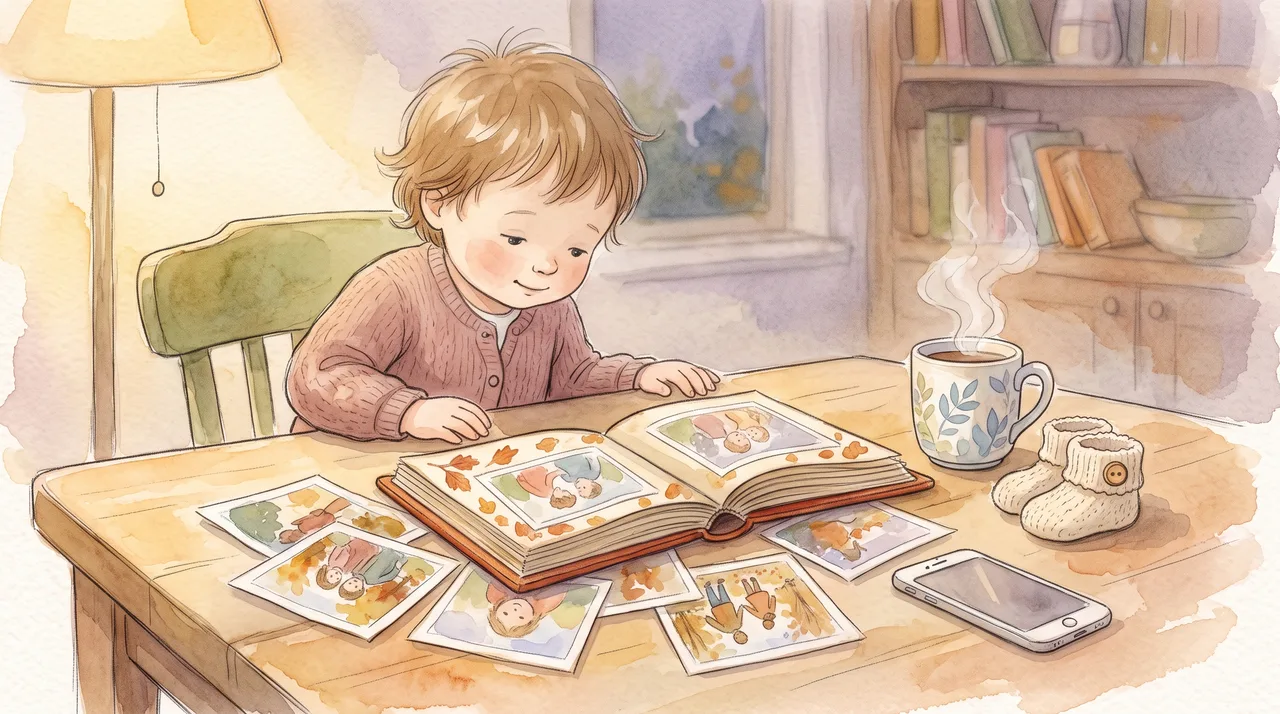
A first-year photo book comes together the moment you stop hunting for the best photos and start choosing month by month: go through your gallery one month at a time and pick five to eight shots from each. That gives you roughly seventy photos across twelve spreads – a weekend's work, not a year of putting it off. The rest is technique: download the originals (not copies forwarded in a chat), write the child's age next to each photo and send it to print.
Why first-year photos rarely become a book
There aren't too few photos, there are too many – and there's no rule for when the choosing stops. The criterion "I'll pick the best ones" has no end: for every photo you can find a better one a little further on, and meanwhile the gallery grows faster than you can sort it. That's why most families end up with a cloud backup and the photo book is put off until there's time. That time never comes.
A month is a boundary that ends by itself. Twelve months means twelve small decisions instead of one big one, and the result gets a rhythm you can't create any other way: the child visibly grows across the pages, because the pages follow time, not how well each photo turned out.
The second thing worth giving up right at the start is completeness. A photo book is not an archive. The archive is the backup in the cloud and on a drive that nobody looks at anyway. A book is a selection you can hold in your hands, and its value grows with the number of photos you left out.
Choosing month by month: a plan for one weekend
- 1Create twelve albums by age, not by calendarThe first year starts on the day of birth, not in January. Name the albums "Month 1" to "Month 12" and add the date range to each name – you can then filter the gallery by date and move photos straight in.
- 2Give each month ten minutes and a timerA time limit does what nothing else does when choosing photos: it ends the choosing. A shot you didn't find in ten minutes for that month is one you wouldn't miss in the finished book anyway.
- 3Choose by role, not by qualityFrom each month, one milestone photo (first smile, sitting up, first mouthful, first step), one completely ordinary one (pram, bath, a morning in bed), one detail (a hand around a finger, wisps of hair, a sock), one with a parent in the frame and one with someone else – a sibling, Nana, the dog. A year on, a selection like that is worth something twelve portraits are not.
- 4Pick one from each burst and close the restPhones shoot in bursts, so ten almost identical shots are really one shot. If you can't decide, take the one where the child is looking somewhere other than at the camera – posed shots all look the same side by side in a book.
- 5Add a photo of the parent who was taking the photosIn the first year one parent is almost always missing, because they were holding the phone. Go through photos from the grandparents and family chats, and ask for them to be sent again as files, not as pictures in a message.
- 6Write the age and one sentence for every photo you chooseWrite it now, while you still remember, not in the editor a month from now. A simple notes file will do, with the photo's name and its sentence on each line.
- 7Download the originals into one folder and number themNames like 03-bath.jpg keep the order in every editor, because files are sorted alphabetically. You then upload this folder to the photo book editor and don't go back to the selection.
Phone photos and printing: when resolution is a problem
Printing works with a density of around 300 dots per inch. A photo from an ordinary phone has around twelve megapixels, that is roughly 4000 × 3000 pixels – at 300 DPI that gives an image more than thirty centimetres wide, which is plenty for a full page or even a spread. The problem isn't the camera, it's the route the photo took to reach you.
Reduced copies are created wherever data is being saved. A photo sent in a message is re-encoded and shrunk, a screenshot only has the resolution of the screen, digital zoom is just a crop from the middle of the shot, and backup apps often have a storage-saving mode that shrinks uploaded photos before storing them. In that last case the original exists only on the phone, not in the cloud – an unpleasant discovery when the phone is long gone.
In practice that means three things. Download photos in their original quality, straight from the gallery or the cloud, not from a conversation. Ask relatives to send their photos as file attachments. And when the editor shows a low-resolution warning on a photo, don't click it away – in print you'll see exactly what it's warning you about. Apple phones also save photos as HEIC; editors and printers reliably accept JPEG, so if the files won't upload, export them in the "Most Compatible" format.
Six decisions in the editor that make or break the book
| Decision | What to choose | Why |
|---|---|---|
| Photo across a whole spread | A landscape or a detail, never a face | The spine runs down the middle of a spread – a face that falls into it bends or disappears into the binding. |
| Photos per page | One to three, at most six per spread | Nine thumbnails make a contact sheet. In a book nobody looks at them for longer than a second. |
| Binding | Lay-flat, if you're laying out spreads | A standard glued binding closes up by itself near the spine and part of the picture stays hidden. |
| Margins | A few millimetres of space around heads | The printer trims with a tolerance; anything tight against the edge may lose a little. |
| Paper finish | Matte, if children will be handling the book | Gloss has more contrast, but it holds fingerprints and reflects lamplight while you're looking through it. |
| Page background | White or one light colour for the whole book | A different colour on every page draws attention away from the photos and makes the book look like a template. |
Captions to copy: what to write under a photo
A caption shouldn't describe what can be seen in the photo. It should add what can't be seen – and in a few years you'll be the only ones who still know it. Five forms that work:
What a photo book can't do, and what to pair it with
A photo book is a view from the outside: it shows what the child looked like, not how they felt. In the early years it's mostly the parents who enjoy it – a child reliably recognises themselves in photos only at around two, and starts asking what happened behind a photo even later.
That's why first-year keepsakes usually come in pairs: something that keeps a likeness and something that keeps a thought. Photos go well with a hand and footprint, because it carries a sense of size that a photo can't, and a letter to the future that you write once and that gets opened many years later. More ideas are in our round-up of keepsake gifts for a first birthday.
Once the child is a bit older, looking at themselves won't be enough – they'll want to be inside the story. That's where the photo book ends and a personalised book begins: a story across 12 illustrated spreads in which the child is the hero. The illustrations are created from a single uploaded photo, so the hero looks like them, and the finished e-book is usually ready within 15 minutes. It doesn't compete with a photo book, it does something different: the photo book keeps what was, the story imagines what could be.
A final check before sending it to print
- Preview on a big screen, not on your phoneIn a small preview even a blurry photo looks fine. Go through the finished preview on a laptop, page by page, ideally the next day.
- Names, dates and spelling in the captionsA typo in the date of birth is the one mistake that absolutely everyone who picks up the book will notice – and it can't be fixed after printing.
- Low-resolution warningsFix them by swapping the photo, or by shrinking it to half a page in the layout. An overlooked warning is visible in the finished book.
- Several copies at onceThe grandparents almost always want their own copy. A second copy in the same order usually works out cheaper than a separate reprint later, when you pay for shipping again.
- Back up the photo folder and the finished book filePrint files disappear from the printer's system after a while, along with the account. The rule of three copies on two different types of media, one of them away from home, applies to family photos too.
Sources
- Dots per inch (DPI) – print dot density — An explanation of how a file's resolution translates into print size.
- JPEG – lossy photo compression — Why every further save and forward of a photo costs some quality.
- HEIF / HEIC – the iPhone photo format — The format and its compatibility with editors and printing services.
- Backups and the 3-2-1 rule — Three copies of your data on two types of media, one of them off-site.